The Simple Gear Map That Prevents Panic Buys
The sidewalk was shiny from a light rain, and halfway through an easy run I felt one shoe slide just enough to make me shorten my stride. A few days before that, a charging cable on my desk finally…
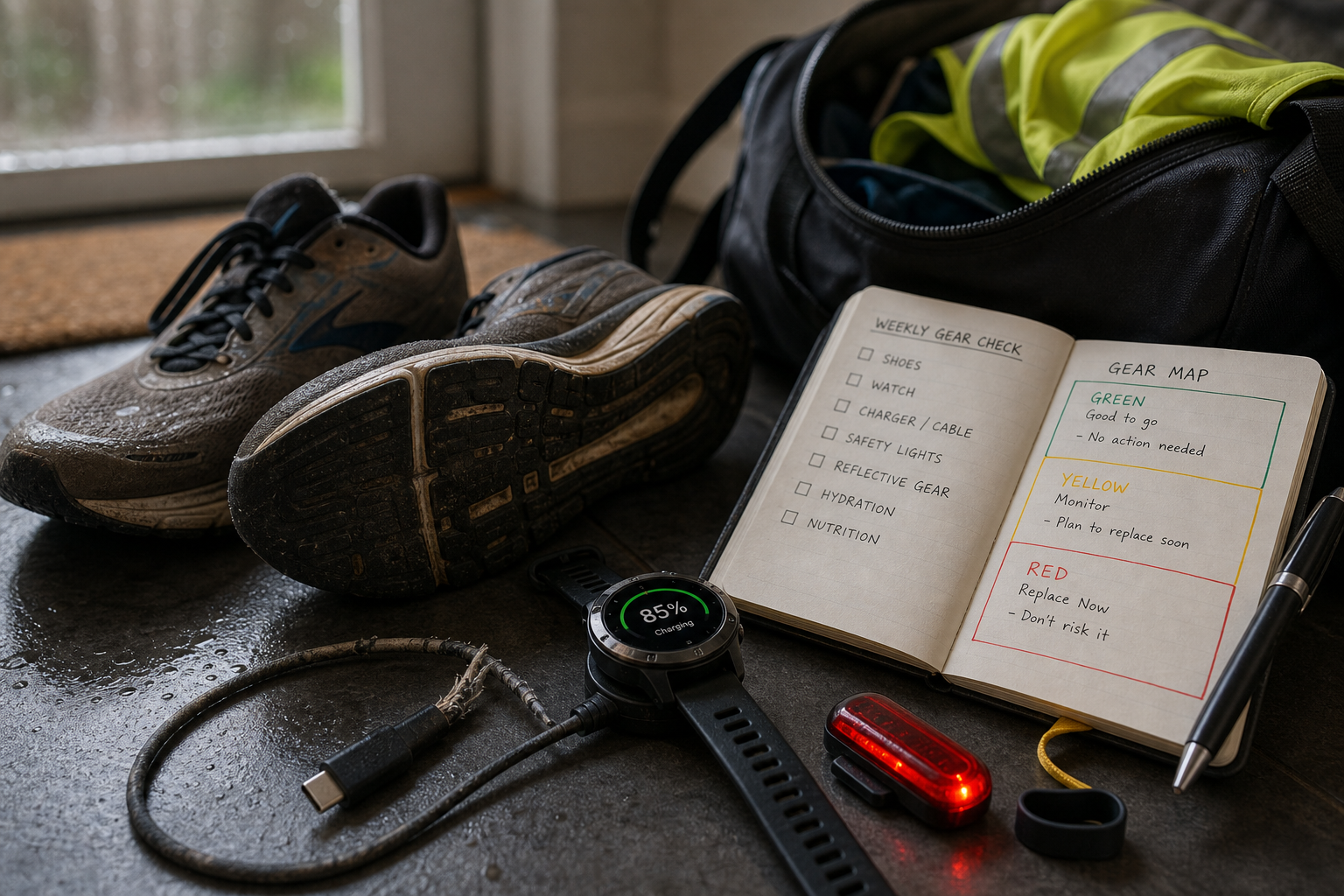
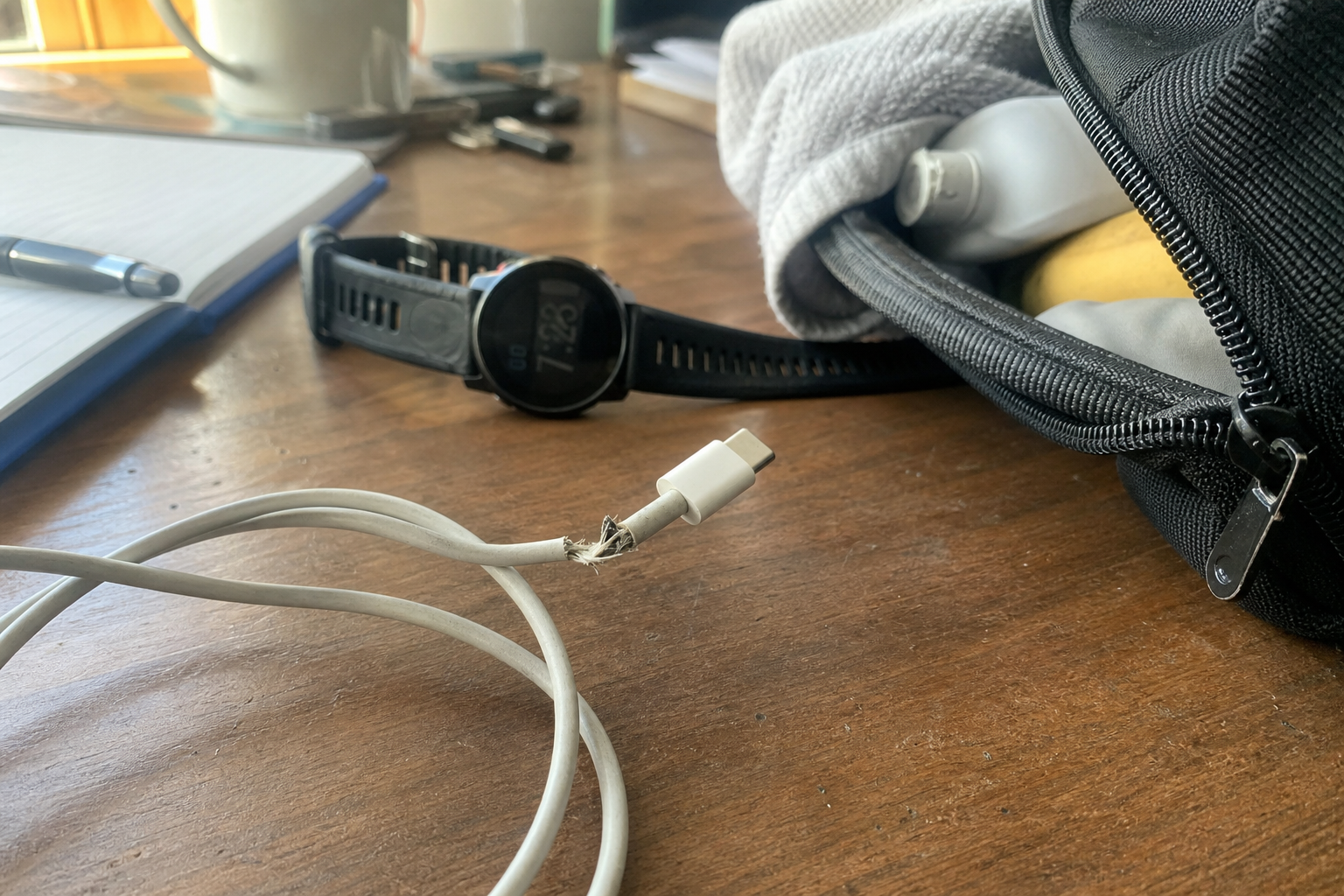
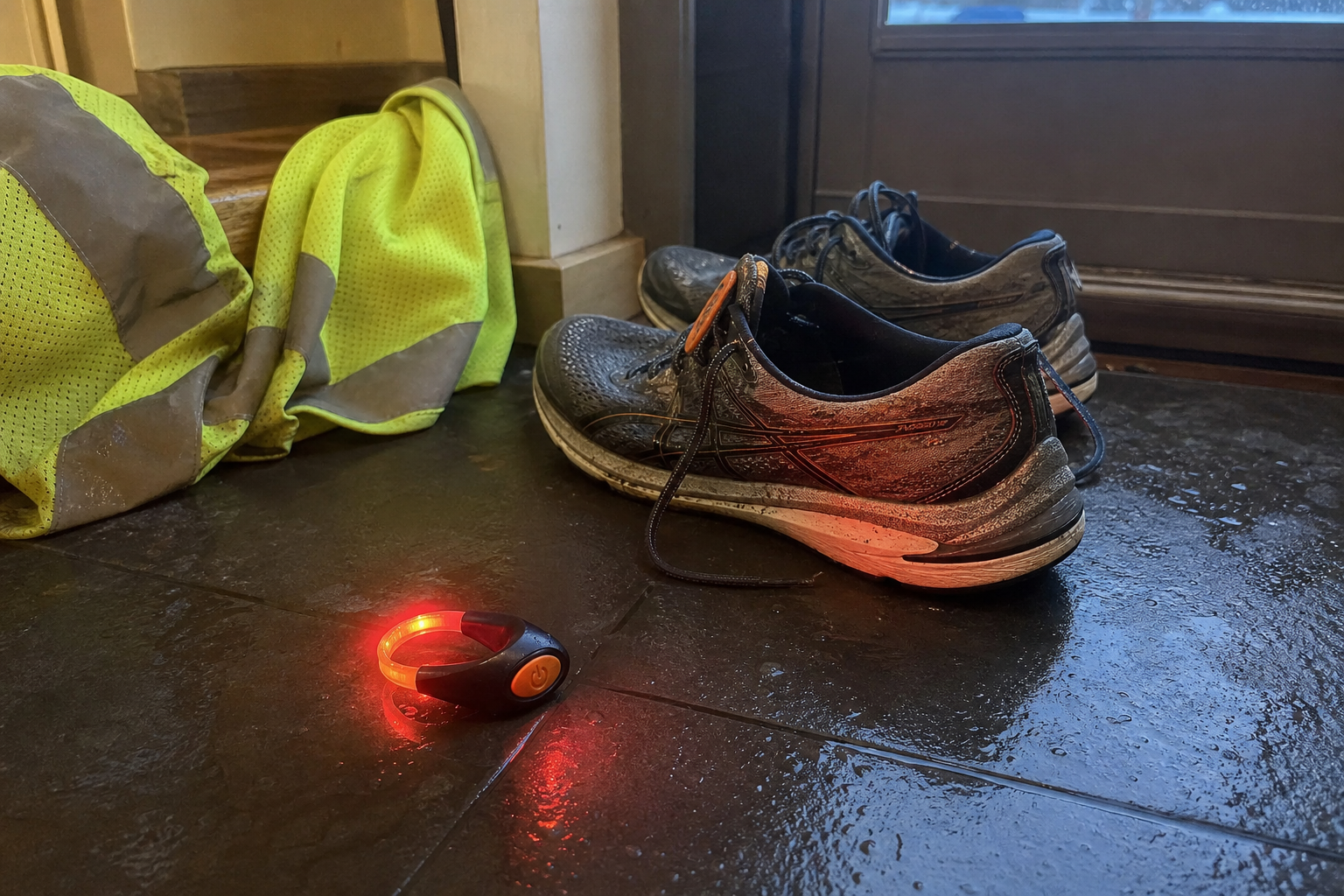
The sidewalk was shiny from a light rain, and halfway through an easy run I felt one shoe slide just enough to make me shorten my stride. A few days before that, a charging cable on my desk finally split at the connector and died right when I needed to top off a watch before heading out.
That’s usually how bad gear spending starts: not with research, but with time pressure. You need the thing now, your workout is in an hour, and suddenly the wrong shoes, the wrong light, or the first random cable you see looks “good enough.”
I’ve gotten a lot better at avoiding that cycle by building what I call a gear replacement map. It’s just a simple system for sorting your current setup into three categories:
- Fail-without-warning items — things that can quit suddenly
- Performance-drift items — things that slowly get worse
- Annoyance items — small gear problems that make workouts easier to skip
This is not another “always buy the cheapest backup” post. In fact, if you’ve read Why the Cheapest Fitness Gear Is Rarely the Bargain, you already know my bias: the goal is to match urgency to the role the gear plays, not chase the lowest number on a listing.
Step 1: Dump your setup into three buckets
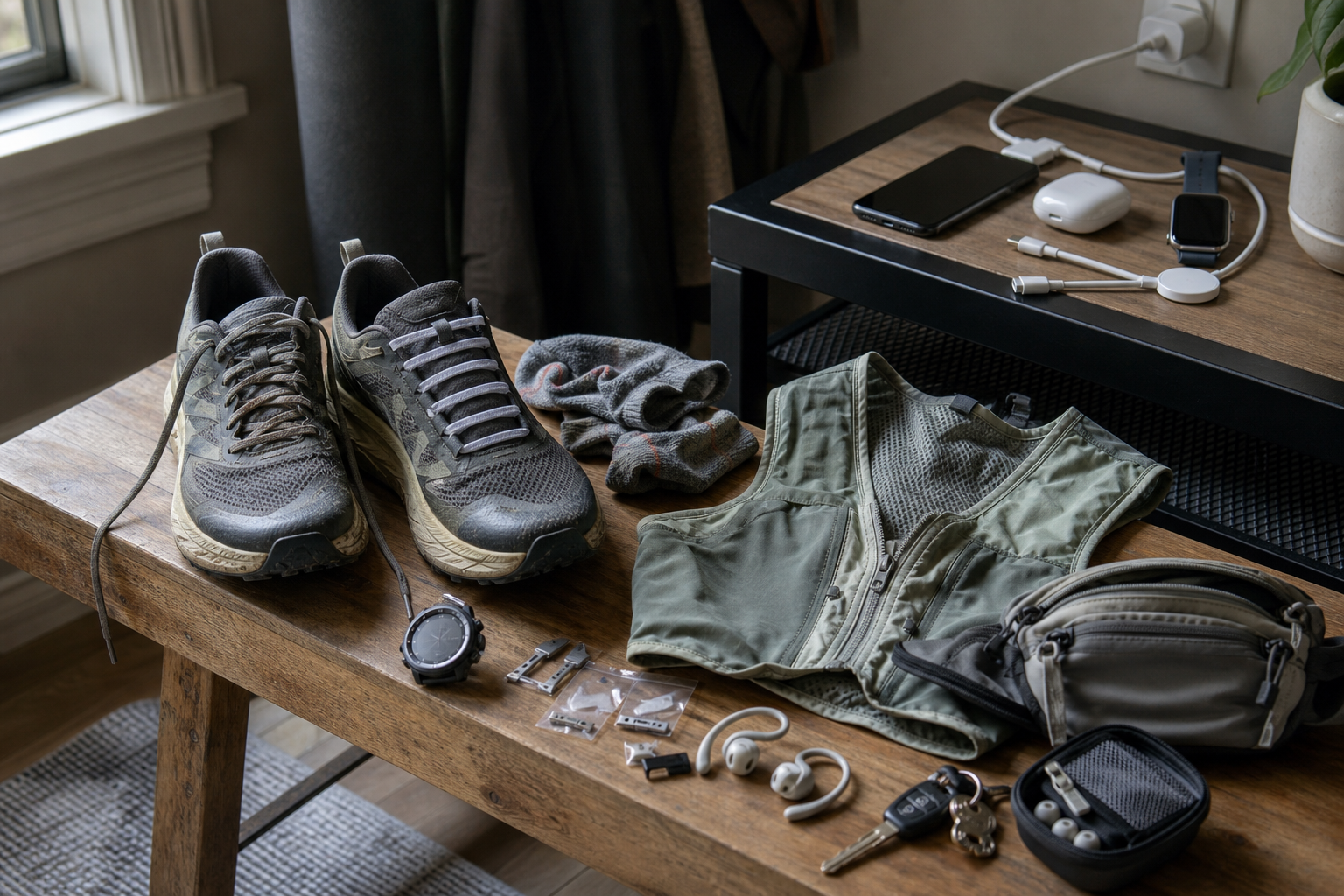
Start with the gear you actually touch every week, not every fitness item you own. Look at your shoes, bands, watch strap, charger, night-running lights, and little wearable accessories first.
- Open your notes app or grab a sheet of paper.
- Create three headings: fail-without-warning, performance-drift, and annoyance.
- List every item you use at least once a week under one of those headings.
Here’s how I’d sort common training gear.
Fail-without-warning items
- Charging cables
- Clip-on safety lights
- Magnetic or clip wearable accessories
- Watch strap keepers and small retention loops
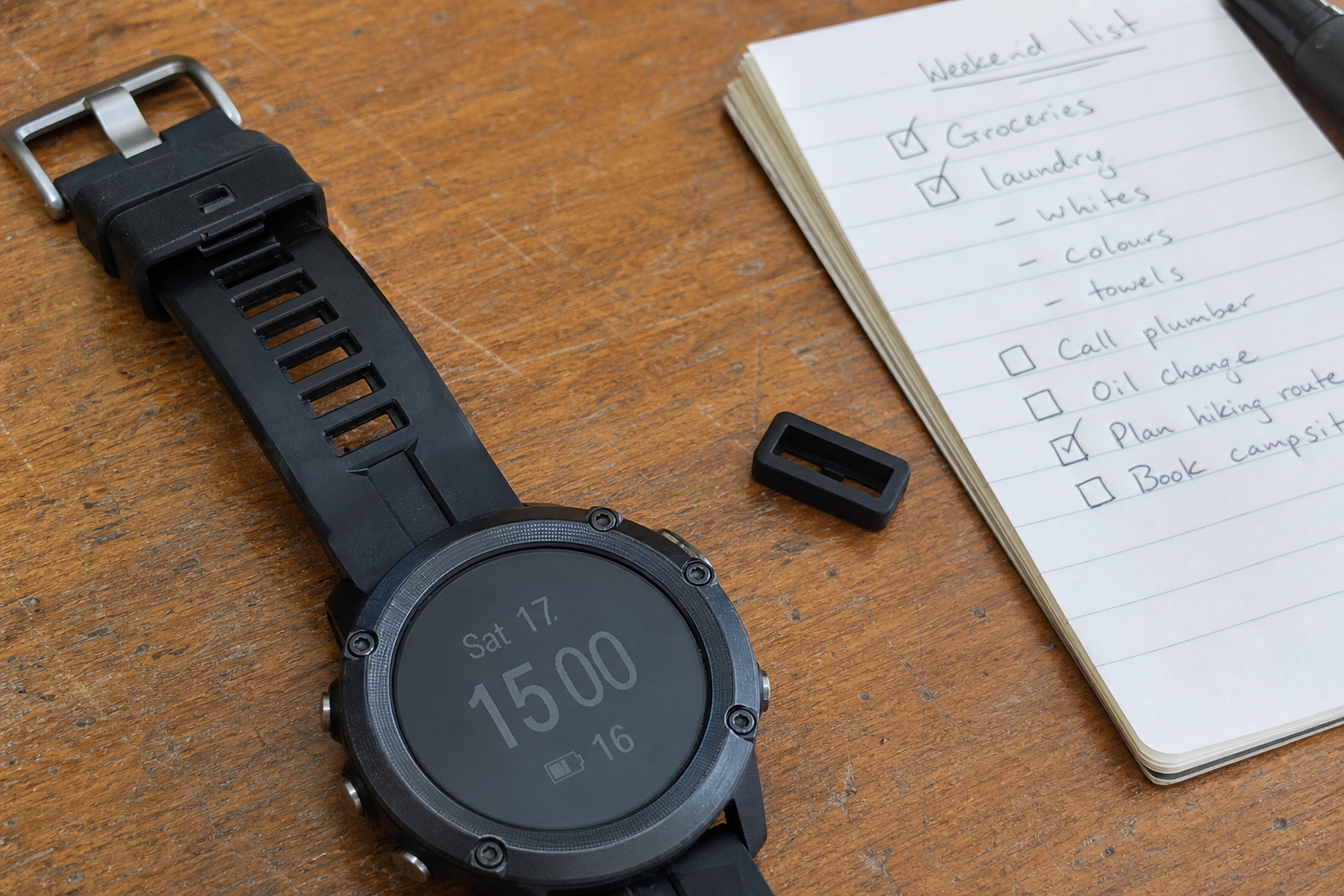
A cable can look mostly fine until it suddenly only charges at one weird angle. A light can seem okay until the clip loosens or the battery behavior gets unreliable. A tiny strap loop like this Garmin-style silicone strap keeper is the definition of a cheap part that becomes very annoying when it disappears.
Performance-drift items
- Running shoes
- Resistance bands
- Watch straps that are stretching or stiffening
- Lights that still work but get dimmer or less secure
This is the category that quietly drains workout quality. Outsole grip gets less trustworthy. Foam gets flatter. Bands lose snap. You can still train, but the experience gets a little worse each week.
Annoyance items
- Short or awkward chargers
- Loose watch strap loops
- Night-running lights that are fiddly to clip on
- Backup accessories you keep forgetting to replace
Annoyance gear rarely looks urgent, but it chips away at consistency. If your watch strap is constantly flapping or your cable only reaches the outlet from one exact angle, that friction matters more than people think.
Step 2: Audit condition, not just age
Now go item by item and write one line about its current state. I care much less about how old a product is than how it behaves right now.
- Pick up the item.
- Use it for 30 seconds.
- Write down the first obvious sign of wear.
For example:
- Shoes: edge wear, smoothed lugs, heel compression, less wet-pavement grip
- Bands: tiny surface cracks, loss of elasticity, chalky feel, uneven tension
- Watch straps: stretched holes, torn keeper, irritation from stiffening material
- Lights: weak clip, inconsistent power, dim beam, awkward button response
- Chargers: fraying, loose connection, slower charging, heat at the connector
- Small accessories: broken loops, weak magnets, missing clips
Most gear doesn’t go from good to useless overnight. It usually gets slightly more annoying, slightly less trustworthy, and slightly easier to postpone replacing.
If you want a good filter for this step, ask: “Would I notice this item getting 15% worse?” If the answer is yes, it belongs on the map.
Step 3: Mark what will likely need attention in the next 90 days
This is where the map becomes useful instead of theoretical. Put a simple time flag next to each item:
- Green: probably fine beyond 90 days
- Yellow: likely needs replacement or backup within 90 days
- Red: already affecting training or reliability
I like this method because it forces you to think ahead without pretending you can predict exact failure dates.
- Mark red if the item is already unreliable.
- Mark yellow if wear is visible and the item matters to weekly training.
- Mark green if there’s no sign of current friction or performance loss.
Concrete examples help here.
- A daily USB-C cable with a split jacket is red. A spare USB-C charging cord makes sense because the downside of not having one is immediate.
- A pair of shoes with fading grip on wet turns is yellow moving toward red. That’s a “plan the real replacement now” item, not a panic item.
- A missing watch strap keeper is yellow if your strap still closes, red if the loose end keeps catching your sleeve and making you skip the watch altogether.
Step 4: Decide where a low-cost backup makes sense
This is the middle of the whole system, and it’s where people either save money intelligently or waste it trying to save money emotionally.
AliExpress is most useful for non-critical backups and replacement accessories that keep your routine moving while your main gear fades. It is much less useful when you’re trying to solve a high-stakes performance problem with the cheapest possible substitute.
Good backup candidates
- Charging cables
- Watch strap keepers
- Clip-on visibility lights
- Simple wearable accessories
If your routine depends on small parts, backups are cheap insurance. A spare LED shoe clip light set or a small magnetic clip-on safety light is exactly the kind of low-cost backup I like keeping around.
Usually worth waiting and spending more on
- Your main running shoes
- Your primary watch if training data matters to you
- Anything where fit, traction, durability, or safety is the whole point
This is where I want readers to be disciplined. Yes, you can find budget options like these budget running shoes, but I’d treat a shoe like that as a temporary filler or casual backup, not an automatic replacement for a primary pair you rely on for regular road or trail miles. Shoes are too important to choose in a panic or by price alone.
If you want a bigger picture on this backup strategy, my post on building a backup fitness kit from overlooked AliExpress gear gets into the kinds of low-stakes items that are actually useful to keep around.
Step 5: Match urgency to role, not price
This is the part that saves the most money over time.
When readers ask me how to cut gear spending, they usually mean “How do I find the cheapest acceptable replacement?” The better question is: How important is this item to whether I can train at all, train safely, or train well?
Use this quick framework:
| Role in training | What to do |
|---|---|
| Routine-critical but low-risk accessory | Keep an inexpensive backup ready |
| Safety-related but simple accessory | Own a backup and test it before you need it |
| Primary performance gear | Plan the replacement early and spend more carefully |
| Mild annoyance that causes friction | Fix it cheaply before it starts costing workouts |
Here’s what that looks like in real life:
- A dead cable can cancel a watch-dependent workout, so keeping a spare charger is smart.
- A lost strap keeper can make a perfectly good watch strap irritating enough to stop using; that’s why a tiny accessory backup is worth it.
- A fading night light can make evening runs less safe, so a tested backup matters.
- A worn-out main shoe affects mechanics, traction, and comfort, so that replacement deserves more thought than a random emergency purchase.
The map reduces wasted money because it stops you from overspending on small emergencies and underspending on important replacements. That’s the balance most people miss.
A caution on shoes and bands
Caution: don’t let the idea of a backup convince you to hang on too long to worn primary gear. If your shoe grip is going away on wet pavement, or your bands show cracking and uneven tension, that’s not a “stretch it another month” situation just because you have a temporary substitute.
Backups protect consistency. They are not permission to ignore wear.
Step 6: Build one monthly checklist you can actually reuse
The whole point of this system is habit. You should be able to do this in five minutes once a month.
Here’s the printable-or-note-app version I’d use:
Monthly gear replacement map checklist
- List the gear I used this month:
- shoes
- bands
- watch/strap
- lights
- chargers
- small accessories
- Sort each item:
- fail-without-warning
- performance-drift
- annoyance
- Mark current status:
- green = fine
- yellow = likely needs attention within 90 days
- red = already affecting training
- Write one visible or felt wear sign for each yellow or red item.
- Decide:
- get a low-cost backup
- schedule a proper replacement
- do nothing this month
- Check whether my backups are actually usable:
- does the cable charge properly?
- does the light clip securely and power on?
- does the strap keeper fit?
- are the backup shoes only for short-term use?
If you want one extra layer, add a final note called “next likely failure.” That single line catches a surprising amount of waste before it happens.
My Verdict
A gear replacement map works because it turns reactive shopping into maintenance. The real win is not buying the absolute cheapest option every time, but knowing which items need a low-cost backup and which deserve a planned, higher-quality replacement. For me, AliExpress makes the most sense for small accessories, chargers, and non-critical backups that keep routines intact. For primary shoes and anything where performance or safety is the whole story, waiting, testing, and spending more carefully is usually the smarter move.
Disclaimer: As an aliexpress Associate, I earn from qualifying purchases.